
chessepolis
Guide
What chessepolis can do and how to use it – step by step.
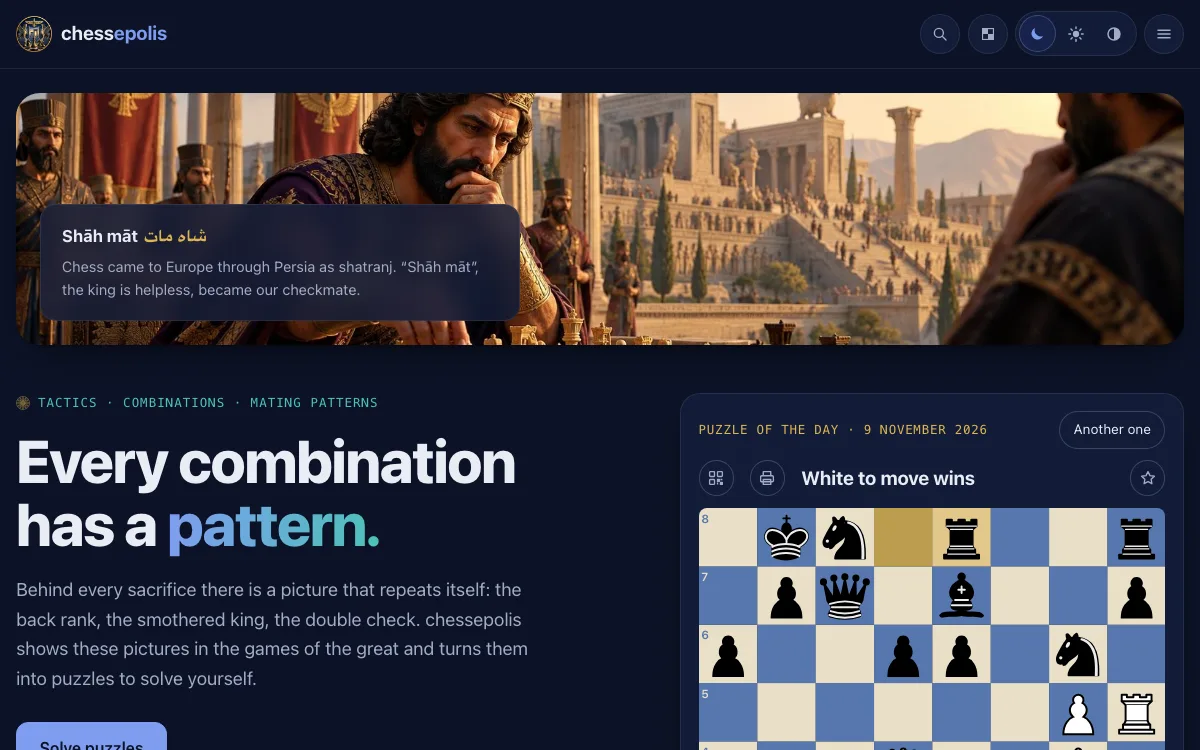
Welcome to chessepolis
chessepolis is the tactics portal of the chess family: puzzles from real games, each checked by Stockfish.
- Every puzzle comes from a game of the collections of chesstoteles – from master games of chess history and from today's tournaments.
- In every puzzle one move is clearly the best. You find it and play on until the mate or until the win stands on the board.
- No account, no sign-up: whatever you keep stays in your browser only.
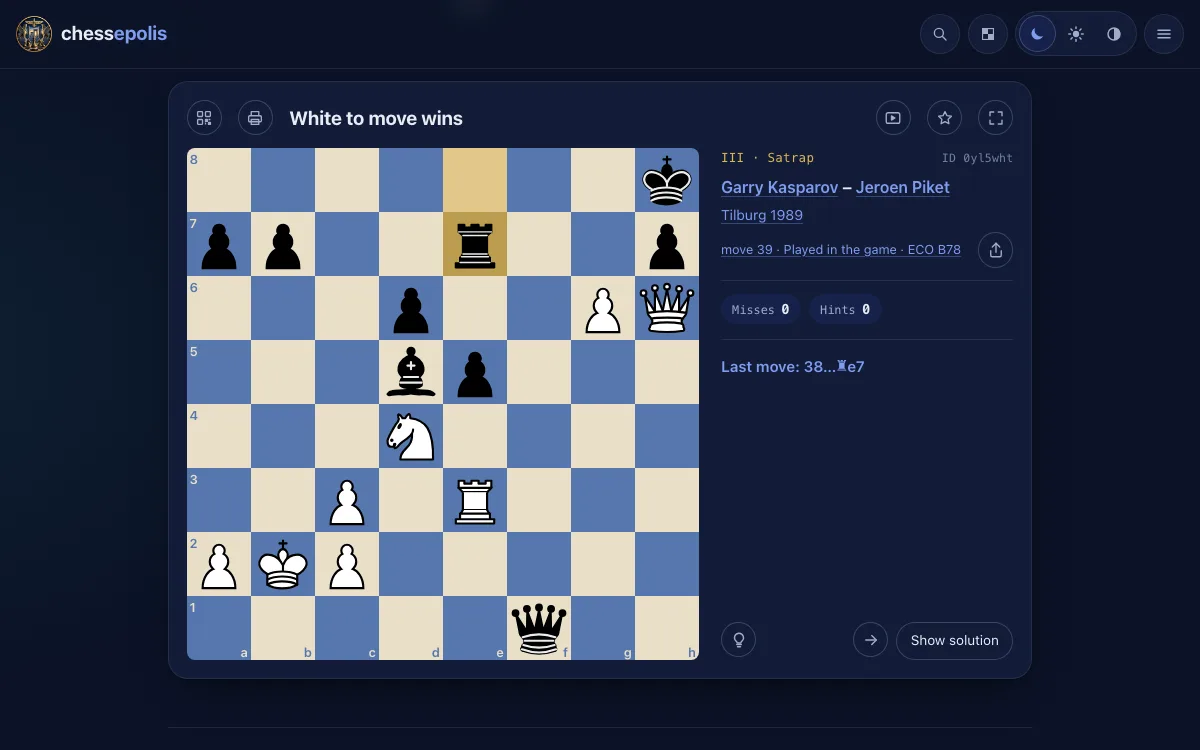
Solving a puzzle
Above the board stands the task, for example "White mates in two".
- Drag a piece with the mouse or your finger – or tap the piece first and then the target square.
- Mostly the board first plays the opponent's move that led to the puzzle – beside the board it stands as "Last move". Then it is your turn; the opponent replies by itself.
- Hint marks the piece that moves; a second click shows the target square. Show solution plays the solution for you.
- A wrong move counts as a miss, and you simply try again. Beside the board stand your misses and hints.
- If several moves mate just as fast, each of them is right. Without mate a move at most 0.3 pawns weaker counts too – the board then names the better one.
- Once solved, the motifs stand below the board, with the answer to "Why is this a puzzle?" and a link to the whole game on chesstoteles.
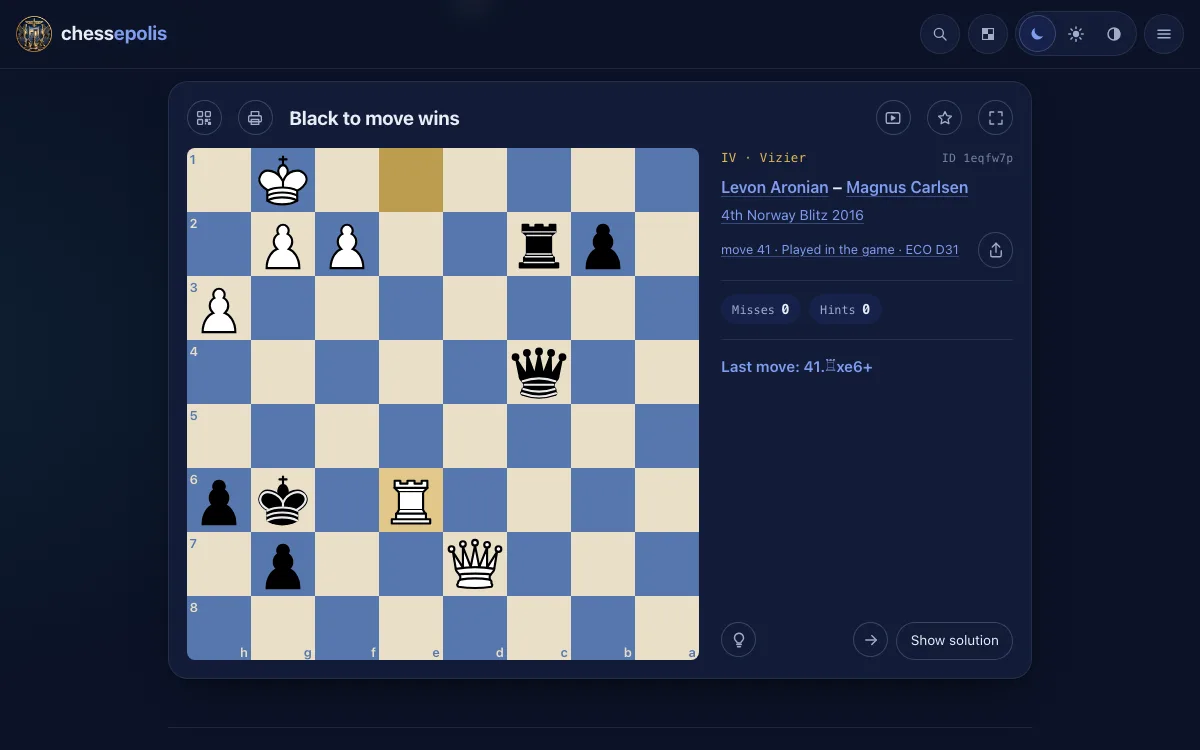
The buttons of the board
Every puzzle has the same buttons, on every page of chessepolis.
- Arrows at the bottom right: to the previous or the next puzzle. On a phone a swipe to the side does it too.
- Star: keep the puzzle as a favourite. Your favourites are in the settings.
- QR code and Share: take the puzzle to your phone, pass it on or copy it as FEN or PGN. Every puzzle has a fixed ID.
- Printer: the puzzle on paper – with the board, lines for your solution and the QR code.
- Video: the puzzles play their solutions by themselves, one after the other – to watch.
- Focus or the key F: only the board in the whole window, Esc ends it. There is no focus on a phone.
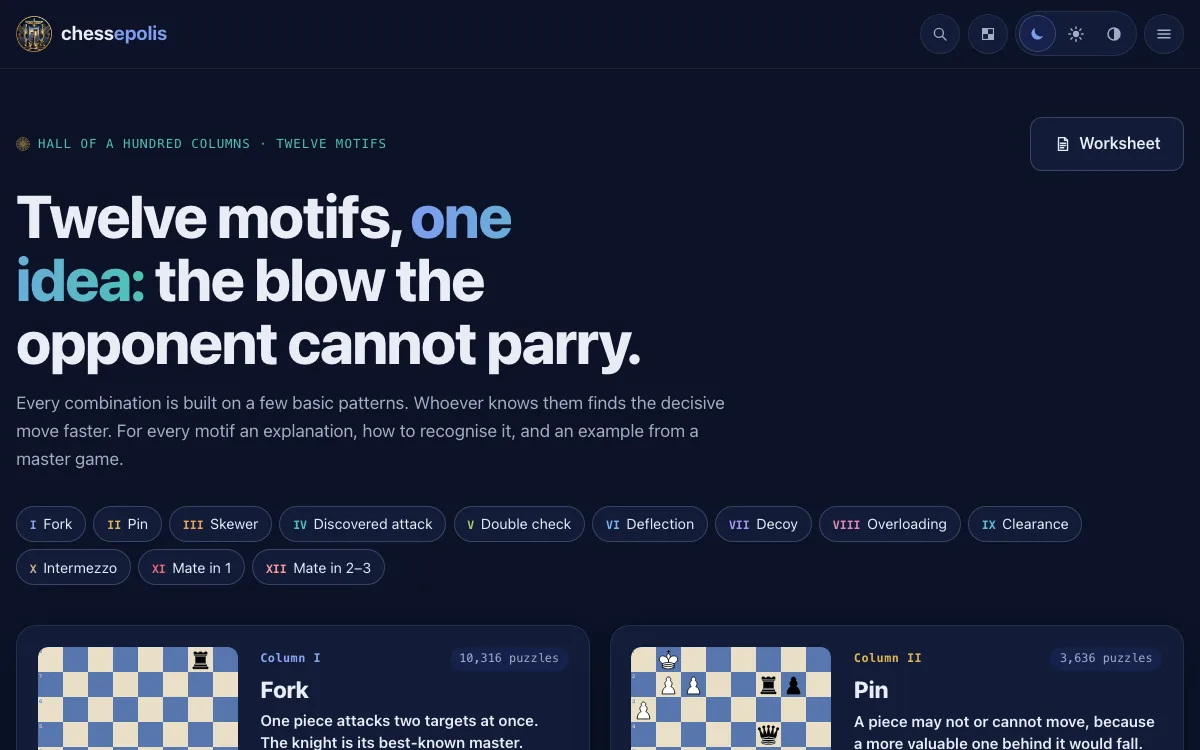
Motifs and levels
The puzzles are sorted by their motif and by how hard they are.
- Twelve motifs, from fork and pin to mate in 1 and mate in 2–3. Each has a page of its own with a short explanation and its puzzles.
- Five levels, from I · Pupil to V · Shah. The level depends on what there is to find in the solution: quiet moves, sacrifices, moves you only see when you calculate deeply.
- A program recognises the motifs by rules of thumb – so a motif may be missing or not quite fit.
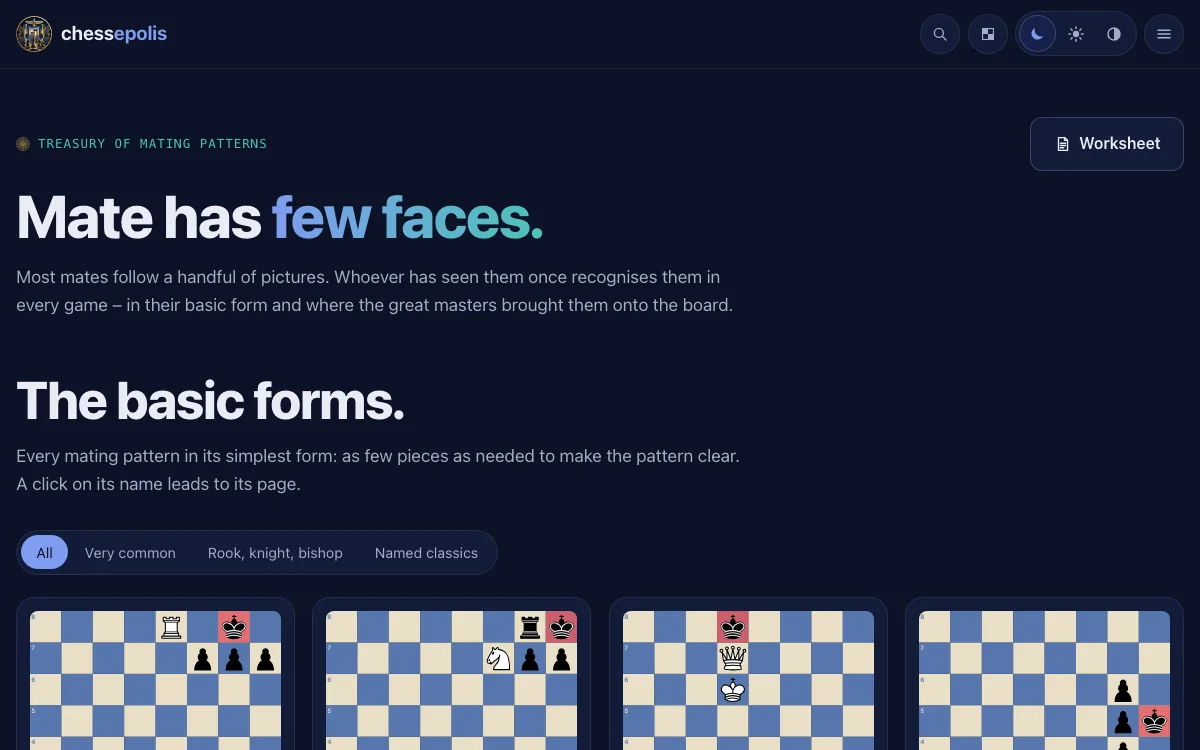
The treasury
Most mates follow a handful of patterns – the treasury collects them.
- Every mating pattern has a page of its own: its basic form and puzzles that end with it.
- Once you have seen the patterns, you recognise them in every game – often moves before the mate.
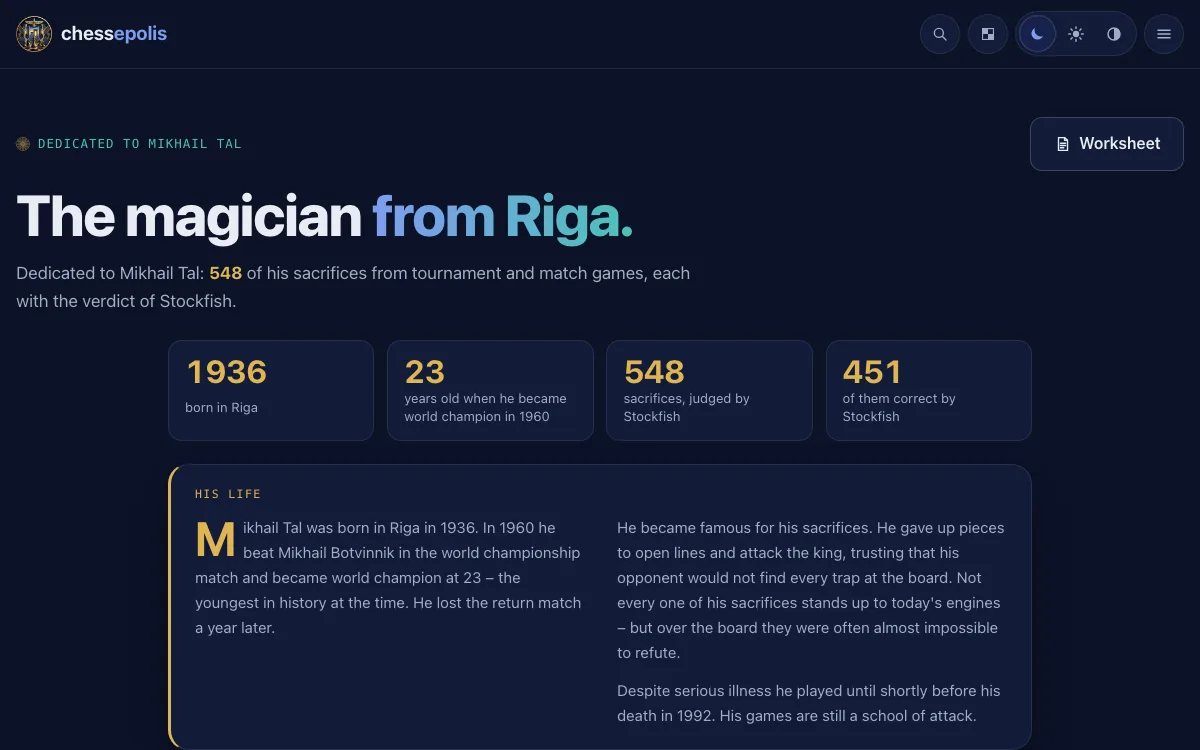
The wizard
This page is dedicated to Mikhail Tal, world champion in 1960, famous for his daring sacrifices.
- His sacrifices from tournament and match games, each with the verdict of Stockfish – from the sound sacrifice to the bluff that won anyway.
- Move the mouse over Tal's move to see how the game went on.
- With his life in a few paragraphs and the main numbers.
Apadana – the great players
As the Apadana of Persepolis showed the peoples of the empire, this page shows the great players of chess history.
- The world champions, the greats before 1950 and the players rated 2700 and more – each with puzzles from their own games.
- In these puzzles the player of the page is always to move: you find the move played – or missed – in the game.
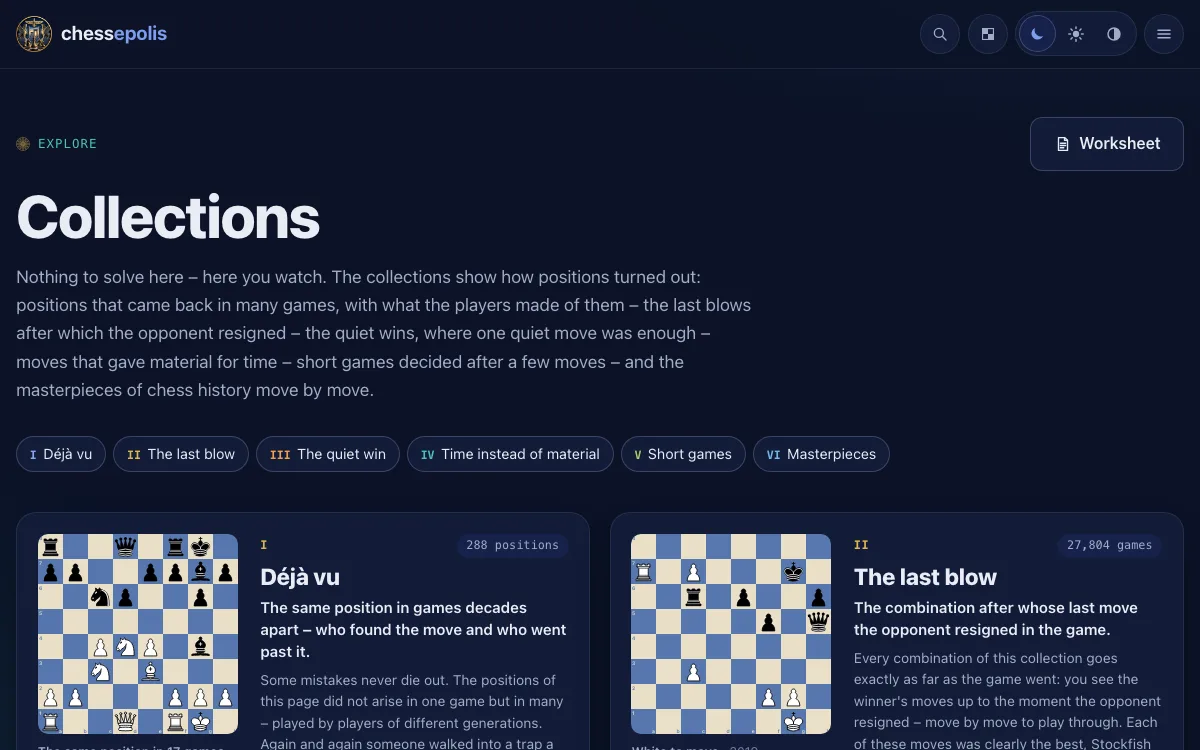
Collections
Puzzles that share more than a motif: how the game ended, who played it, what made it famous.
- Punish the blunder: the opponent has just made a serious mistake – you find the refutation. The missed chance: the winning move the game overlooked.
- Masterpieces: famous combinations of chess history. Déjà vu: positions that came up in several games.
- The last blow, The quiet win, Time instead of material and Short games are to watch: the board plays the moves for you.
- And The quiet move and the Endgames among the puzzles.
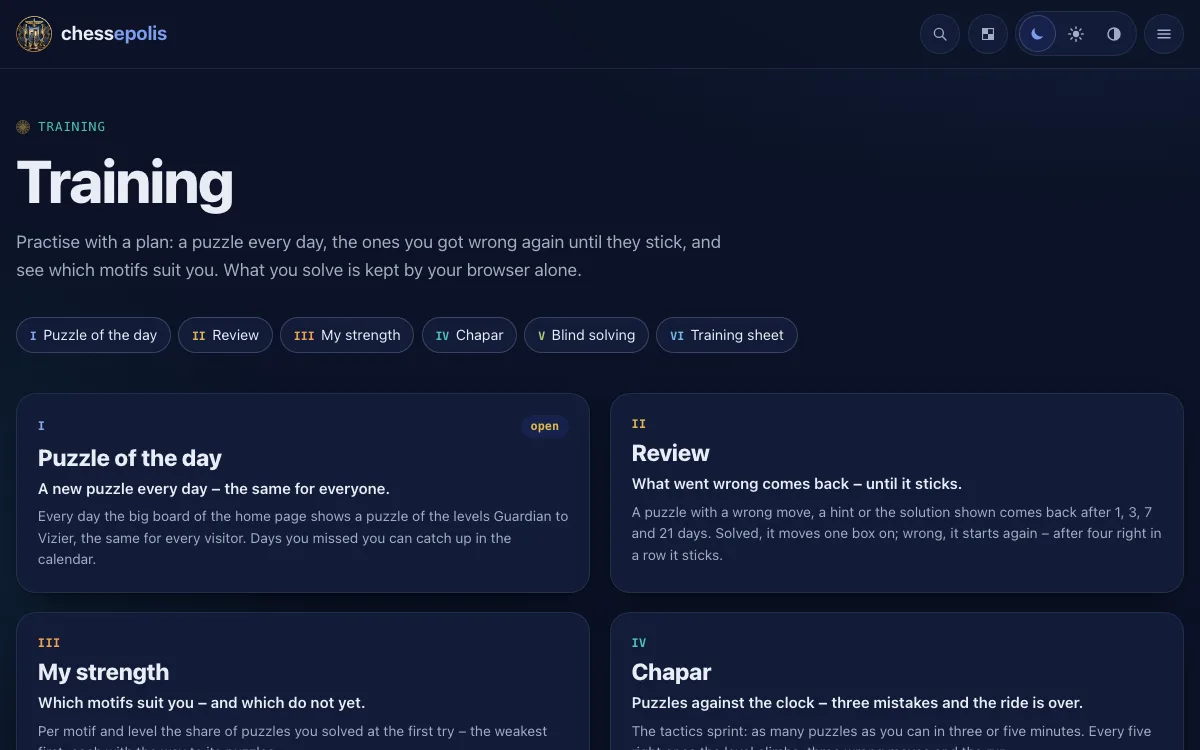
Training
Under Training in the menu you find what helps you practise with a plan.
- Puzzle of the day: on the big board of the home page a new puzzle waits every day, the same for every visitor. You catch up on missed days in the calendar.
- Review: a puzzle where you made a wrong move, took a hint or looked at the solution comes back after 1, 3, 7 and 21 days – until it sticks. Below the puzzle of the day you see how many are due today.
- My strength: per motif and level, how many puzzles you solved at the first try – the weakest first, each with the way to its puzzles.
- Chapar: the sprint against the clock, three or five minutes – three wrong moves end the ride. Blind solving: the pieces vanish after a few seconds, and you find the moves on the empty board.
- Training sheet: put puzzles together and pass them on as a link or QR code, for example to your club. Whoever opens it solves them one after the other.
- What you solve is kept by your browser alone, as "My training". In the settings you see how much it is, back it up in a file or clear it.
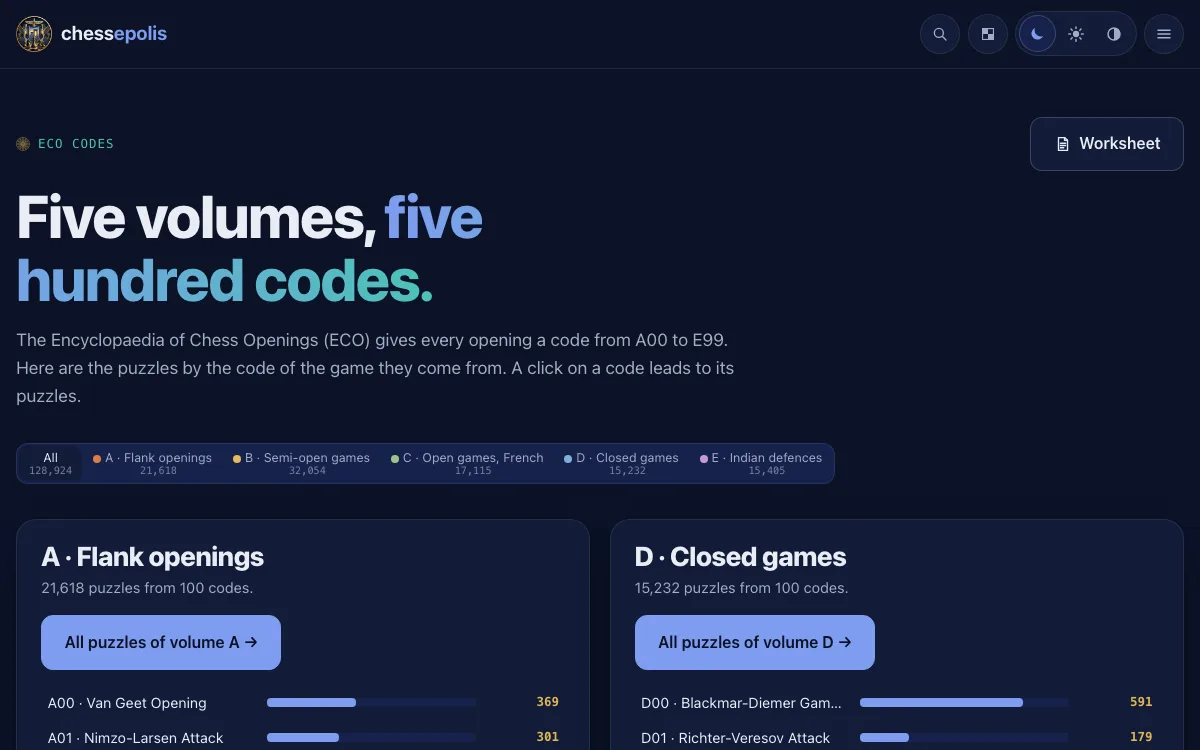
ECO and openings
Every game begins with an opening – the puzzles can be found by it too.
- ECO: the puzzles by the code of their game in the Encyclopaedia of Chess Openings, from A00 to E99, in five volumes.
- Openings: the same puzzles by the name of the opening, in each volume those with the most puzzles first.
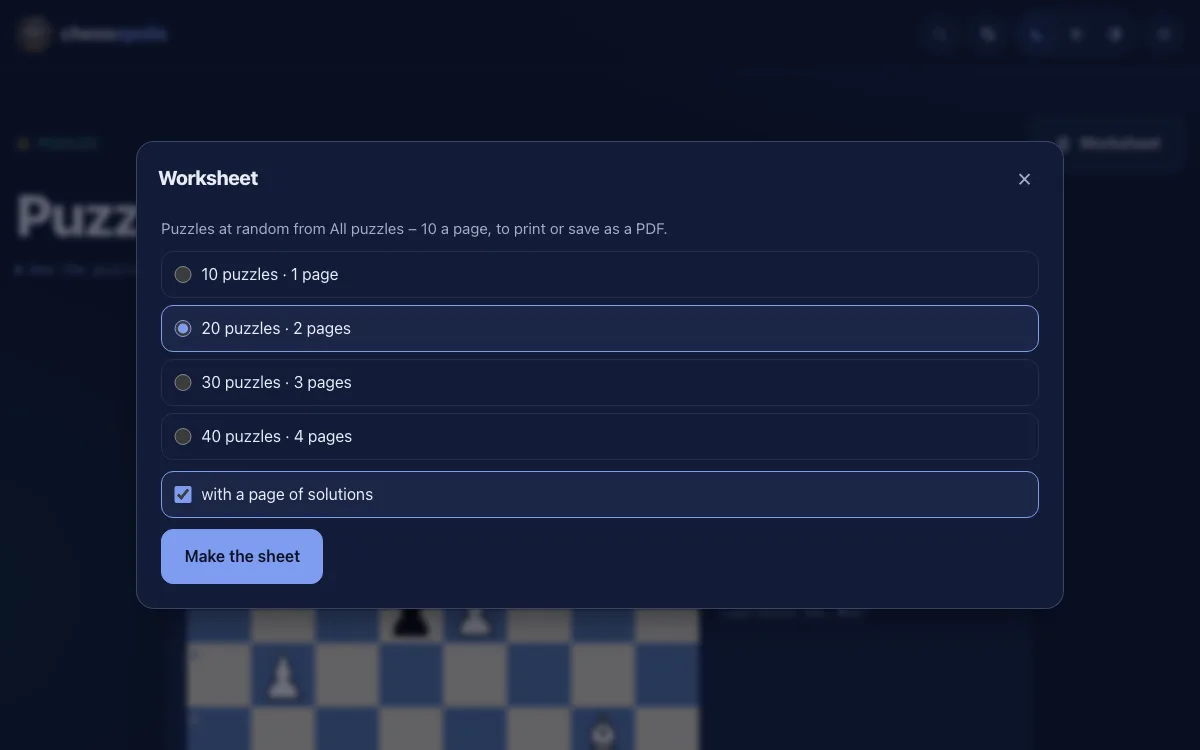
The worksheet
At the top right of the pages with puzzles stands the button Worksheet.
- Each click puts together new puzzles of the page at random: 10, 20, 30 or 40, ten to a page.
- If you like, with a page of solutions at the end.
- As a PDF: choose "Save as PDF" in the print window of the browser.
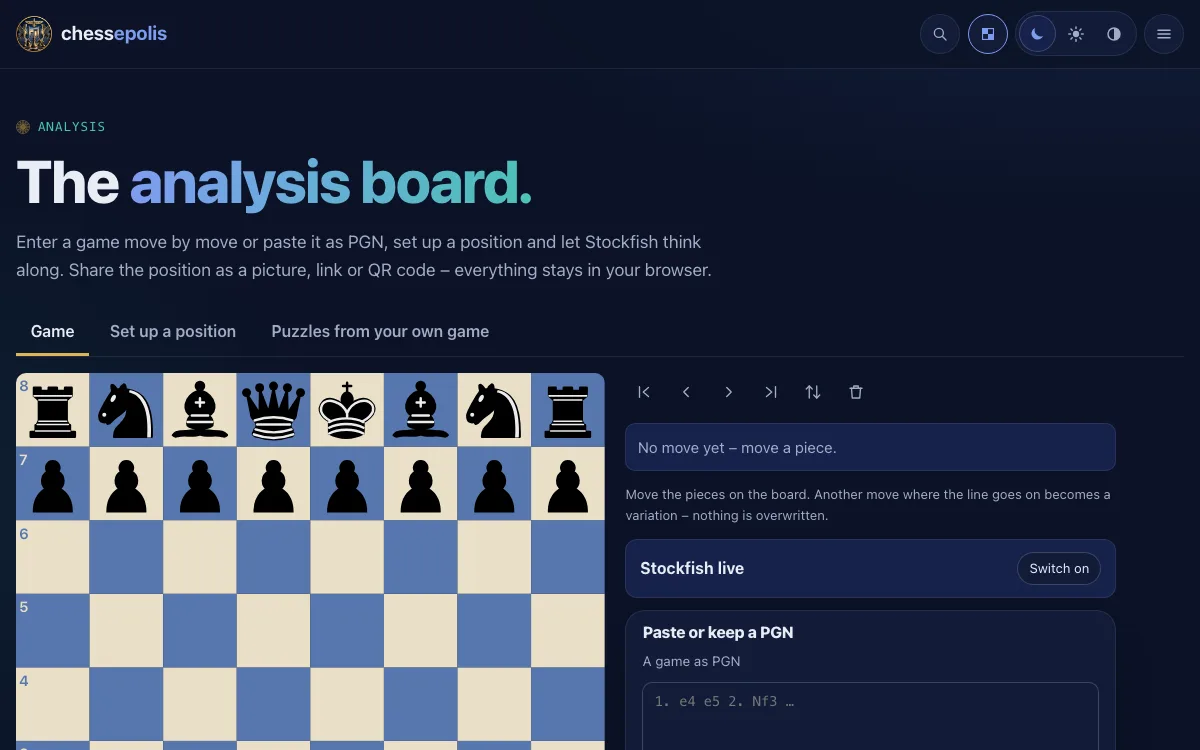
Analysis board and your own game
Under Analysis there is a free board on which Stockfish thinks along – on a computer and a tablet.
- Enter a game move by move or paste it as PGN. Another move where the game goes on becomes a variation; nothing is overwritten.
- Set up a position: put pieces on the board, choose who is to move and the castling rights.
- Puzzles from your own game: paste a game and Stockfish searches it in your browser for positions in which one move is clearly the best. Nothing leaves your computer.
Search and statistics
The magnifier at the top of every page finds puzzles, players, openings and motifs.
- Type an ID, a FEN, a player, an opening or a motif – the results appear as you type.
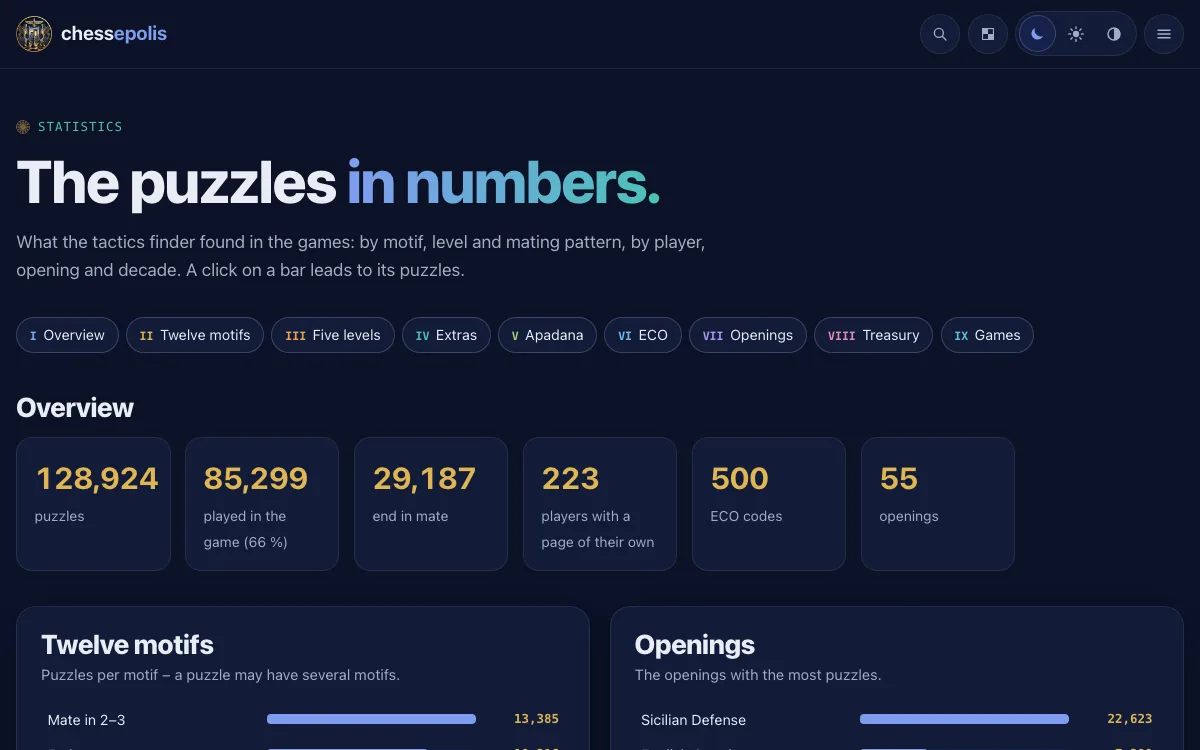
- Statistics: all the numbers of the puzzles – by motifs, levels, mating patterns, players, openings and decades. A click on a bar leads to its puzzles.
Settings
The cog at the top right leads to the settings.
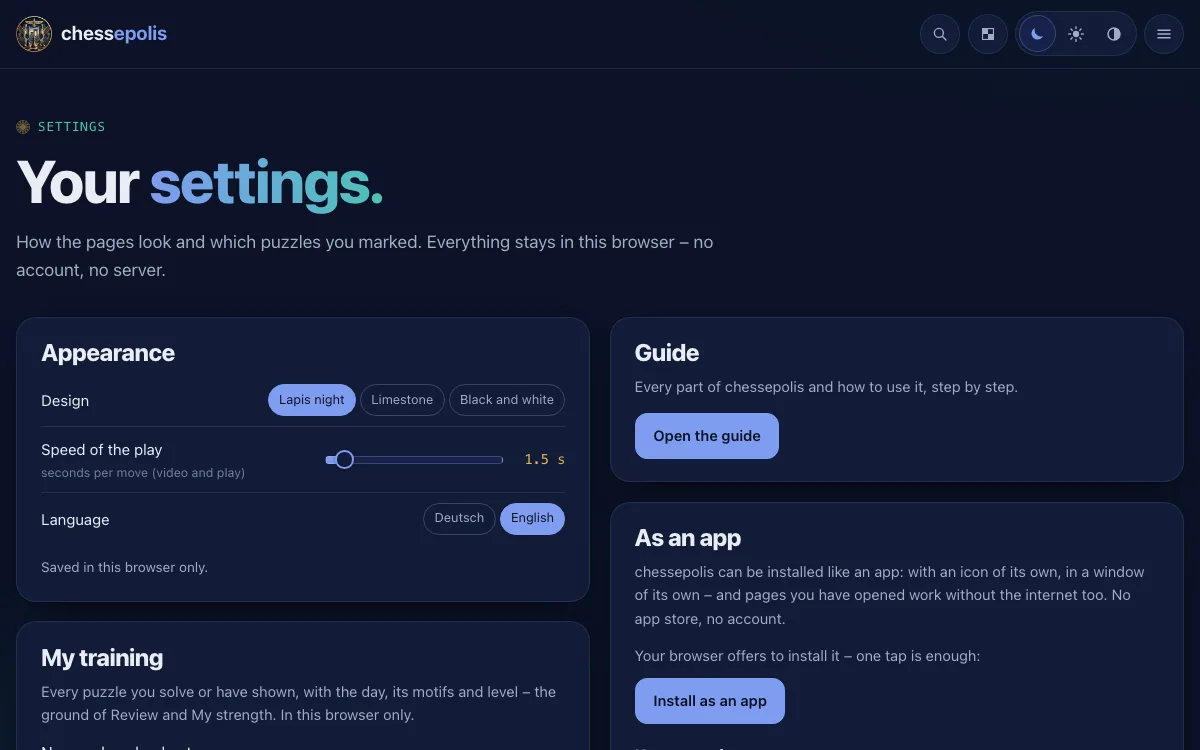
- Appearance: three designs – Limestone (light), Lapis night (dark), Black and white –, the language and how fast the board plays moves.
- Back up and take along: save your favourites, your stars and "My training" as a file and load them in another browser.
- Stockfish: the small version that loads fast, or the large one that calculates more strongly.
- Your favourites, kept masterpieces, Tal's sacrifices and Déjà vu positions – to find again and to print.
- Use offline: keeps every page, the analysis board and part of the puzzles on your device – then chessepolis works without the internet too.
On a phone
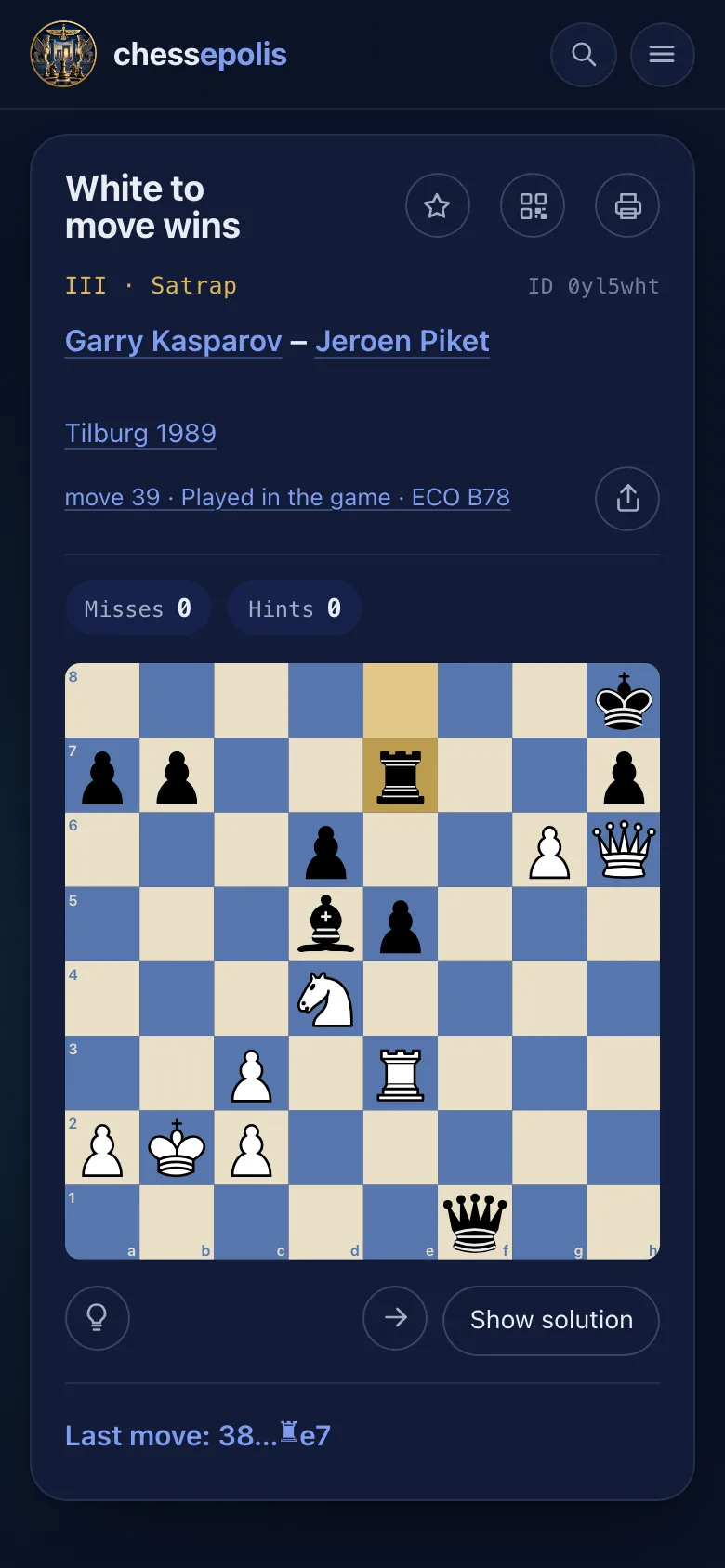
chessepolis fits the screen – a few things work differently on a phone.
- Swipe across the puzzle to the left for the next one, to the right for the previous one.
- Put chessepolis on your home screen: it then opens like an app. With "Use offline" in the settings it works without any connection too.
- The focus is only there on a computer or a tablet. The analysis board works on a phone too: the board and its buttons stay at the top, the moves, Stockfish and the PGN pass beneath.
Have fun!
That was everything important. Best start with the puzzle of the day – it waits on the home page.
- You can find this guide any time at the foot of the page and in the settings.